1. Vehicle reference
Capture the original car colorClean, original panel · consistent lighting
No reference photo
Automotive Paint Matching Assistant
Enter the access code printed by the MiniTerm installer.
HTTPS required for the camera. Paint previews are illustrative; confirm with a physical spray-out.
Compare the physical spray-out before changing your formula.
Record real toner weights in grams. Your paint-system formulas remain separate.
| Component / toner code | Original (g) | Proposed (g) | Δ (g) | |
|---|---|---|---|---|
| Total | 0.00 | 0.00 | 0.00 |
Every photographed card and saved adjustment, in order.
Saved jobs shared between paired shop devices.
Use the phone as a camera. Photos arrive immediately in the current PC job.
Open tintlabpro.grantfullen.com on your phone. Select “Connect phone” and enter the code below.
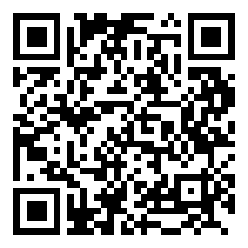
Pairing expires in 10 minutes. Only the selected job is shared with the phone.
Photos and job records use a small, private SQLite store on this VPS to support immediate shared access. Export your job backups regularly.
Capture a card or vehicle panel and it will appear on your workstation.
Your photo is processed and compressed on this phone before upload. Wait for confirmation that it was saved.